ゲームをプレイ
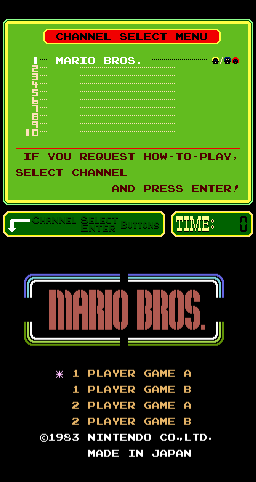
Powered by EmulatorJS · Arcade
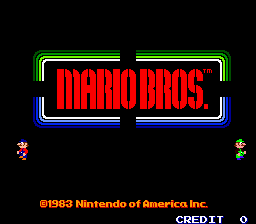
Mario Bros. (PlayChoice-10) is a playable Arcade cabinet in the Classic Arcade Games library, first filed here as a 1983 release. Catalog tags place it in Platform. The page below runs the game in your browser with EmulatorJS — no separate download or desktop emulator install.
Player layout in our catalog: 2P sim.
If you are exploring by feel rather than by title, jump from the tags above into the matching genre rooms, or return to the Arcade hall for the full wall.
Open Play on this page to start Mario Bros. (PlayChoice-10). Keyboard, USB/Bluetooth pads, and the on-screen touch gamepad all work inside the emulator bar. Save states and fullscreen live on that same bar so you can pause mid-session and resume later.
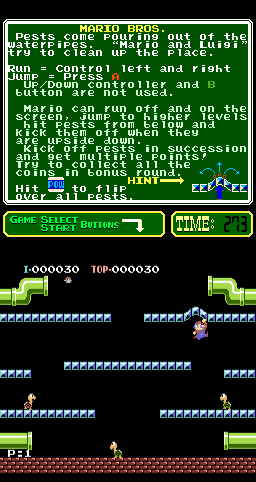
PlayChoice-10 のマリオ ブラザーズは古典的な下水道プラットフォーマーです。フリップ正直で敵を下からひっくり返してから空に進みます。フリップ正直はマッシュに勝つ。 PlayChoice-10 マリオ ブラザーズ ウィンドウをコールドに学習します。スーパー マリオ ブラザーズのチャートをやみくもに貼り付けないでください。フリップのタイミングが説明できるようになるまで、最初のステージは落ち着いてください。 pc_mario chrome はパッケージ化されており、バニティ フリップ用にすべてのボードで無料の無敵や無料のステージ クリアを実現するものではありません。
最初のステージ: 時間を反転し、敵の道を覗いて、パニックマッシュを誘う景色の餌を無視します。電源を 1 回入れ直し、PlayChoice-10 クロームがスーパー マリオ ブラザーズのように見えなくなるようにします。初期段階ではマリオ ブラザーズ PC-10 の文法を学びます。マッシュ ルートの前に計画された反転は、より密度の高い敵のパックが後のボードに到着する中盤のデス タックスになります。虚栄心がひっくり返る前に、その文法を押さえておきましょう。
走る、ジャンプする、有線で反転する、ステージゴール、ライフ/コンティニュー、マリオブラザーズ PC-10 UI がシステムを定義します。スキルはプレッシャー下でのフリップの読み書き能力であり、すべてのジャンプをヒットにつなげるのではありません。継続後は再度レース前にステージの状態を再確認してください。この PlayChoice-10 セットの第 2 ステージが始まる前に、1 文のピーク ビフォア フリップ ルールを用意しておいてください。
ステージクリアと生存スコアでランが完了します。ヒットアンドフォール税は継続します。コンティニューはコインです。パニック フリップと無視されるピークが少なくなるため、クレジットが維持されます。密度の高いパックを読まずに初期段階を永久にファームすると、マリオブラザーズ PC-10 が未読のままになります。 Progress は PlayChoice-10 クロムで、後のボードではステージ中盤でデス ループを強制しなくなりました。貼り付けられたクリアではありません。
すべての敵をマッシュ・フリップし、のぞき見を無視し、きれいなウィンドウを決して待たず、ヒットでフィニッシュする間景色をトンネルし、連続ヒットがクレジットを燃やした後も怒りを継続します。計画なしに傾斜途中で電源を入れ直すと、さらにクレジットが消費されます。次のクレジット: 最初に覗いて、計画を立てます。景色を求めてマッシュツーリズムを止め、後の PlayChoice-10 ボードでパニックを起こします。
マリオブラザーズ PC-10 のステージをコンスタントにヒットせずにクリアしたら、他の PlayChoice-10 マリオ タイトルを慎重に比較し、反転ドリルで戻ります。パニックマッシュが空になるまでプレイを続け、後のボードではステージの途中でセッションが終了しなくなります。カズン プラットフォーマー キャビネットは、マリオ ブラザーズ PC-10 が自動的に感じられた後のコントラストとして役立ちます。クロムを求めてまだマッシュしているステージからの脱出としてではありません。バニティ フリップをもう一度追いかける前に、慎重にフル ステージを 1 つクリアしてください。
Sources cited below under Further reading.
Mario Bros. (PlayChoice-10) is filed in our catalog as a 1983 release.
Player layout on this cabinet: 2P sim.
Genre tags on Classic Arcade Games: Platform.
Credit line lists Nintendo of America as developer.
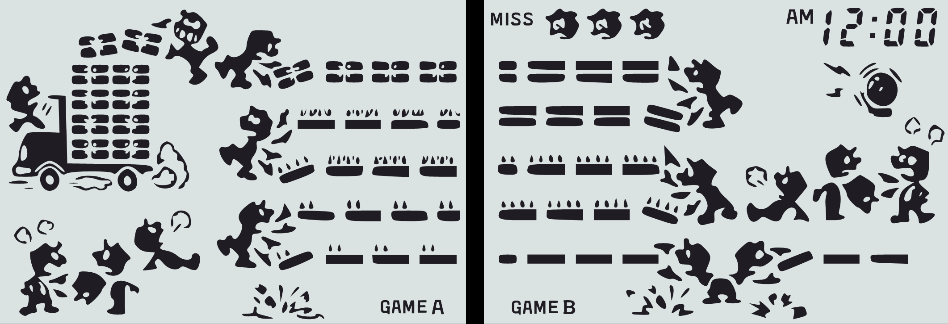
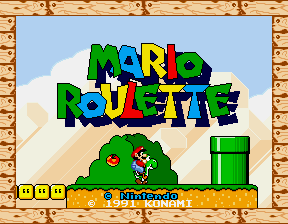
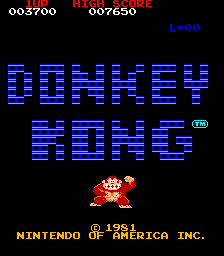
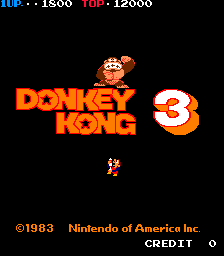
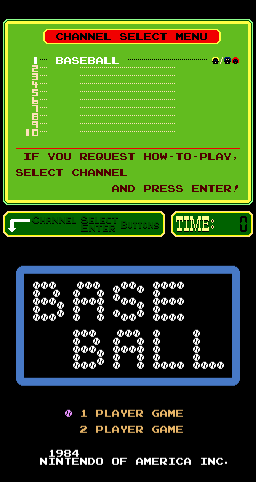
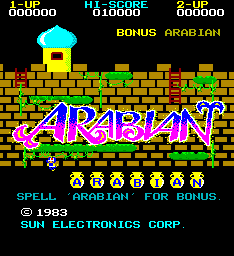
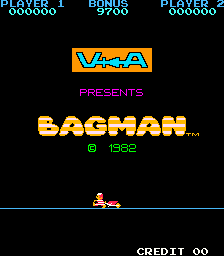
Nearby cabinets you may also open from this hall (each on its own play page):Mario Bros. (US, Revision G), Game & Watch: Mario Bros., Mario Roulette, Donkey Kong (Coleco), Donkey Kong (US set 1), Donkey Kong 3 (US), Baseball (PlayChoice-10), Arabian, Bagman, Burger Time (Bandai), Ben Bero Beh (Japan), Bogey Manor
Mario Bros. (US, Revision G) · Game & Watch: Mario Bros. · Mario Roulette
Nintendo of America appears on this cabinet’s credit line. Browse more titles from the same studio on the developer shelf, or stay on this page and try the next cabinets in the same hall.
Mario Bros. (US, Revision G) · Donkey Kong (Coleco) · Donkey Kong (US set 1) · Donkey Kong 3 (US) · Baseball (PlayChoice-10)
Yes. Classic Arcade Games hosts Mario Bros. (PlayChoice-10) as a Arcade cabinet you can start on this page. The emulator loads in the browser; you do not need to install a separate app.
Arcade stick feel: Arrow keys for the joystick, X/Z (and nearby keys) for buttons, Enter=Start. USB / Bluetooth pads map cleanly; six-button fighters use the face-button cluster.
Yes — related series cabinets on this site include Mario Bros. (US, Revision G), Game & Watch: Mario Bros., Mario Roulette. Each has its own play page with the same browser emulator path.
下の iframe コードをコピーして、このゲームをサイトに埋め込めます。
<iframe src="https://ja.classicarcade.games/games/arcade/pc_mario?embed=1" width="800" height="600" allowfullscreen allow="gamepad; autoplay; fullscreen"></iframe>