ゲームをプレイ

Powered by EmulatorJS · Arcade
Playmark のギャンブル タイトルは、魔法のスティックを操作して結果を決定することに重点を置いています。プレイヤーは、チャンスベースのゲームプレイ向けに設計されたギャンブルに焦点を当てたインターフェイスを操作しながら、ゲームのランダム化された仕組みに参加して勝利を追求します。このエクスペリエンスは、好ましい結果を達成するために特定のスティックベースのシステムと対話するプレーヤーの能力に依存します。
Player layout in our catalog: 1P.
If you are exploring by feel rather than by title, jump from the tags above into the matching genre rooms, or return to the Arcade hall for the full wall.
Open Play on this page to start Magic Sticks. Keyboard, USB/Bluetooth pads, and the on-screen touch gamepad all work inside the emulator bar. Save states and fullscreen live on that same bar so you can pause mid-session and resume later.
Magic Sticks is filed in our catalog as a 1995 release.
Player layout on this cabinet: 1P.
Genre tags on Classic Arcade Games: Gambling.
Credit line lists Playmark as developer.
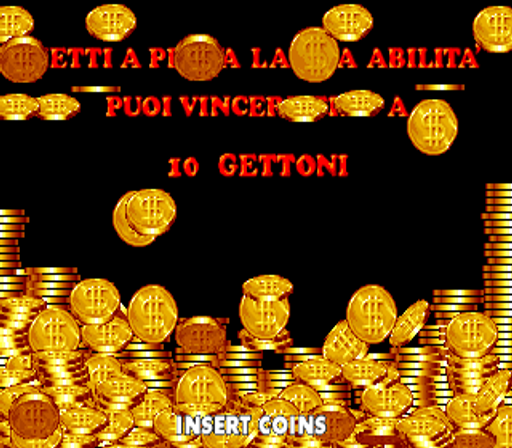
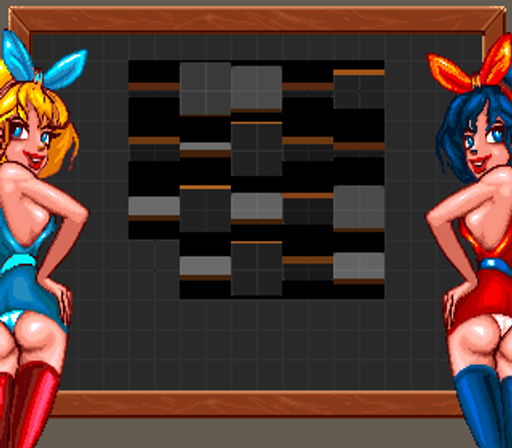
Nearby cabinets you may also open from this hall (each on its own play page):Scacco Matto / Space Win, Number Dieci (Poker), Big Twin, Excelsior (set 1), Lucky Boom, Power Balls, Super Slam (set 1), Five Clown (English, set 1), American Poker II, Bottle 10 (Italian, set 1), Brasil 93, Buena Suerte '94
Scacco Matto / Space Win · Number Dieci (Poker) · Five Clown (English, set 1) · American Poker II · Bottle 10 (Italian, set 1) · Brasil 93 · Buena Suerte '94 · Double Crown (v1.0.3) · Double Cheese · Dream Ball (Japan V2.4) · Elephant Family (Italian, new) · Last Bank (v1.16)
Scacco Matto / Space Win · Number Dieci (Poker) · Big Twin · Excelsior (set 1) · Lucky Boom · Power Balls · Super Slam (set 1)
Playmark appears on this cabinet’s credit line. Browse more titles from the same studio on the developer shelf, or stay on this page and try the next cabinets in the same hall.
Scacco Matto / Space Win · Number Dieci (Poker) · Big Twin · Excelsior (set 1) · Lucky Boom · Power Balls · Super Slam (set 1)
Yes. Classic Arcade Games hosts Magic Sticks as a Arcade cabinet you can start on this page. The emulator loads in the browser; you do not need to install a separate app.
Arcade stick feel: Arrow keys for the joystick, X/Z (and nearby keys) for buttons, Enter=Start. USB / Bluetooth pads map cleanly; six-button fighters use the face-button cluster.
Our catalog tags Magic Sticks under Gambling. Open those genre rooms from the tags on this page to find more playable cabinets in the same feel.
下の iframe コードをコピーして、このゲームをサイトに埋め込めます。
<iframe src="https://ja.classicarcade.games/games/arcade/magicstk?embed=1" width="800" height="600" allowfullscreen allow="gamepad; autoplay; fullscreen"></iframe>