ゲームをプレイ
Powered by EmulatorJS · Arcade
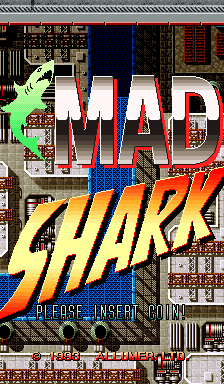
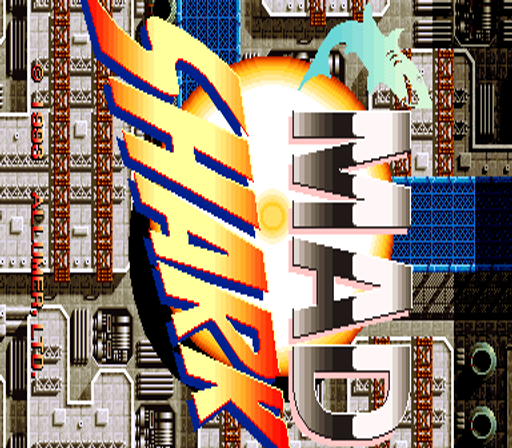
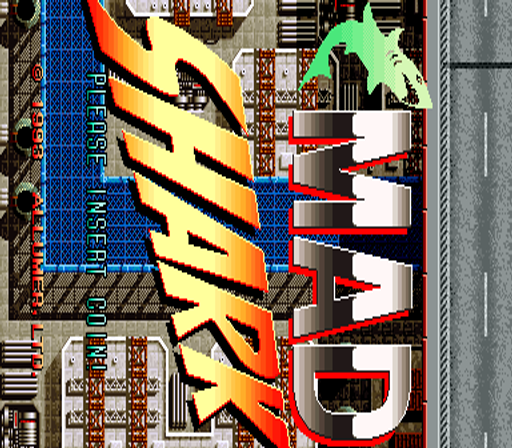
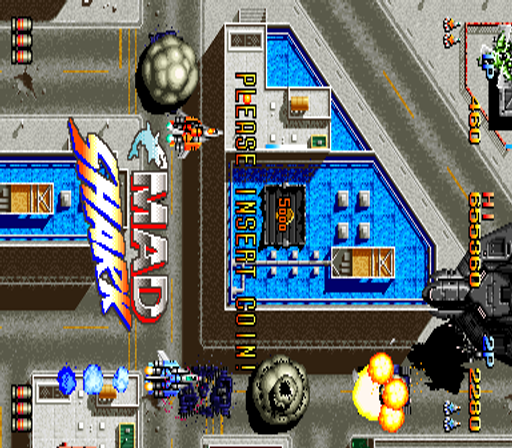
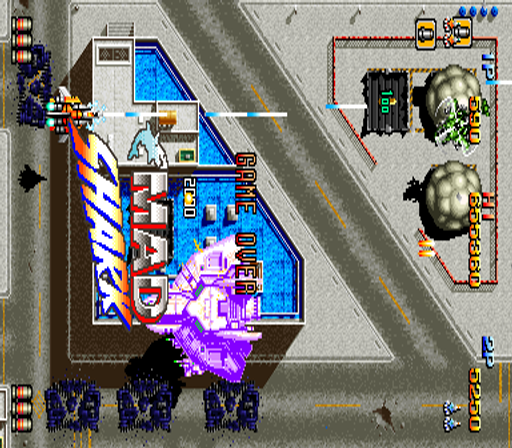
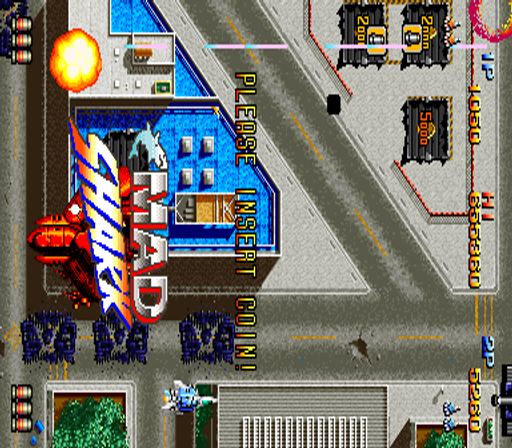
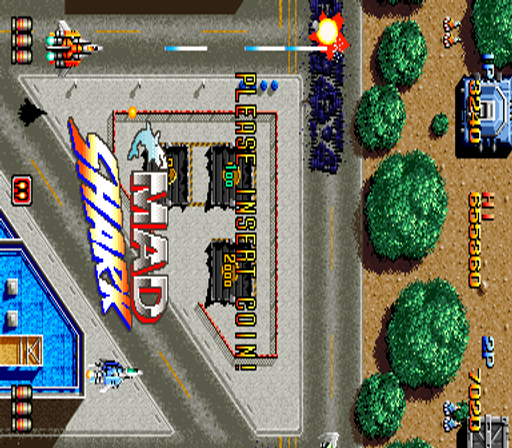
33 年前に発行されたアーケード ビデオ ゲーム: マッドシャーク (c) 1993 Allumer, Limited. 縦スクロールシューティングゲーム。 - 技術 - Seta 第 1 世代システム ハードウェア上で動作します。 メインCPU: Motorola 68000 (@ 16 Mhz) サウンドチップ: X1-010 (@ 16 Mhz) 画面の向き: 縦 ビデオ解像度: 384 x 224 ピクセル。 画面リフレッシュ: 60.00 Hz パレットカラー: 8704 プレイ人数: 2人 コントロール: 8ウェイジョイスティック ボタン: 2 => シュート、ボム - トリビア - 『マッドシャーク』は1993年11月に日本で公開された。 デフォルトのハイスコア テーブル (ランキング): 1. 655360 AZY 1-1-1 2. 327680 BAZ 1-1-1 3. 163840 CBA 1-1-1 4. 81920 DCB 1-1-1 5. 40960 EDG 1-1-1 6. 20480 FED 1-1-1 7. 10240 GFE 1-1-1 8. 5120 HGF 1-1-1 9. 2560 IHG 1-1-1
Player layout in our catalog: 2P sim.
If you are exploring by feel rather than by title, jump from the tags above into the matching genre rooms, or return to the Arcade hall for the full wall.
Open Play on this page to start Mad Shark. Keyboard, USB/Bluetooth pads, and the on-screen touch gamepad all work inside the emulator bar. Save states and fullscreen live on that same bar so you can pause mid-session and resume later.
Mad Shark is filed in our catalog as a 1993 release.
Player layout on this cabinet: 2P sim.
Genre tags on Classic Arcade Games: Shooter.
Credit line lists Allumer as developer.
Nearby cabinets you may also open from this hall (each on its own play page):Rezon, Blandia, Magical Speed, Acrobat Mission, Air Assault (World), Alien3: The Gun (World), Arcadia (NMK), Air Rescue (World), Batsugun, Blaze On (World), Black Heart, Bells & Whistles (World, version L)
Rezon · Acrobat Mission · Air Assault (World) · Alien3: The Gun (World) · Arcadia (NMK) · Air Rescue (World) · Batsugun · Blaze On (World) · Black Heart · Bells & Whistles (World, version L) · Blue Hawk · Boogie Wings (Euro v1.5, 92.12.07)
Allumer appears on this cabinet’s credit line. Browse more titles from the same studio on the developer shelf, or stay on this page and try the next cabinets in the same hall.
Yes. Classic Arcade Games hosts Mad Shark as a Arcade cabinet you can start on this page. The emulator loads in the browser; you do not need to install a separate app.
Arcade stick feel: Arrow keys for the joystick, X/Z (and nearby keys) for buttons, Enter=Start. USB / Bluetooth pads map cleanly; six-button fighters use the face-button cluster.
Our catalog tags Mad Shark under Shooter. Open those genre rooms from the tags on this page to find more playable cabinets in the same feel.
下の iframe コードをコピーして、このゲームをサイトに埋め込めます。
<iframe src="https://ja.classicarcade.games/games/arcade/madshark?embed=1" width="800" height="600" allowfullscreen allow="gamepad; autoplay; fullscreen"></iframe>