ゲームをプレイ
Powered by EmulatorJS · Arcade
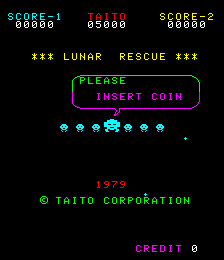
Taito の Lunar Rescue は、フライト シミュレーションと射撃メカニズムを融合させています。プレイヤーは母船から着陸船を発射し、6 列の小惑星を航行します。成功するには、宇宙飛行士を救出するために最初の 6 つの着陸プラットフォームの 1 つに到達する必要があります。ただし、着陸が成功するたびにプラットフォームが消費され、ゲームが進むにつれて利用可能な着陸ゾーンが減少します。
Player layout in our catalog: 2P alt.
If you are exploring by feel rather than by title, jump from the tags above into the matching genre rooms, or return to the Arcade hall for the full wall.
Open Play on this page to start Lunar Rescue. Keyboard, USB/Bluetooth pads, and the on-screen touch gamepad all work inside the emulator bar. Save states and fullscreen live on that same bar so you can pause mid-session and resume later.
Lunar Rescue is filed in our catalog as a 1979 release.
Player layout on this cabinet: 2P alt.
Genre tags on Classic Arcade Games: Maze.
Credit line lists Taito as developer.

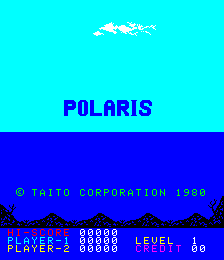
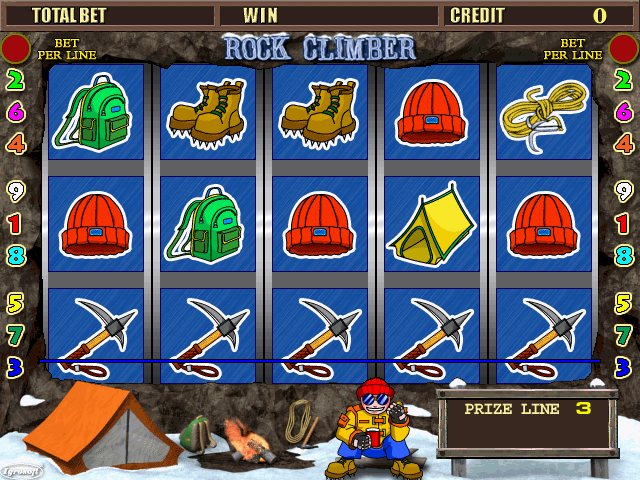
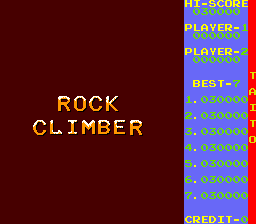
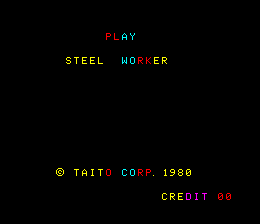
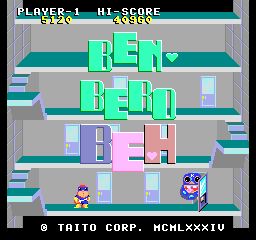
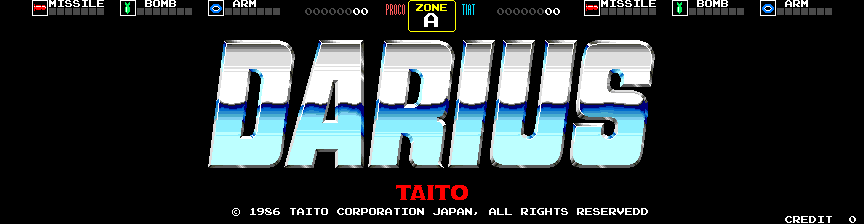
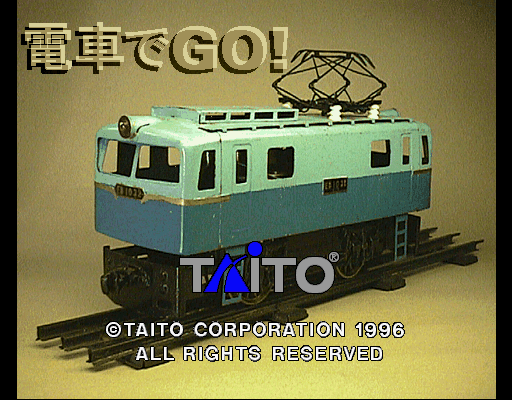
Nearby cabinets you may also open from this hall (each on its own play page):Lupin III (set 1), Space Chaser (set 1), Balloon Bomber, Colony 7 (set 1), Indian Battle, Polaris (latest version), Rock Climber (040827 World), Rock Climber, Steel Worker, Ben Bero Beh (Japan), Darius (World, rev 2), Densha de GO! (Ver 2.2 J)
Taito appears on this cabinet’s credit line. Browse more titles from the same studio on the developer shelf, or stay on this page and try the next cabinets in the same hall.
Lupin III (set 1) · Space Chaser (set 1) · Balloon Bomber · Colony 7 (set 1) · Indian Battle · Polaris (latest version) · Rock Climber (040827 World) · Rock Climber
Yes. Classic Arcade Games hosts Lunar Rescue as a Arcade cabinet you can start on this page. The emulator loads in the browser; you do not need to install a separate app.
Arcade stick feel: Arrow keys for the joystick, X/Z (and nearby keys) for buttons, Enter=Start. USB / Bluetooth pads map cleanly; six-button fighters use the face-button cluster.
Our catalog tags Lunar Rescue under Maze. Open those genre rooms from the tags on this page to find more playable cabinets in the same feel.
下の iframe コードをコピーして、このゲームをサイトに埋め込めます。
<iframe src="https://ja.classicarcade.games/games/arcade/lrescue?embed=1" width="800" height="600" allowfullscreen allow="gamepad; autoplay; fullscreen"></iframe>