ゲームをプレイ
Powered by EmulatorJS · Arcade
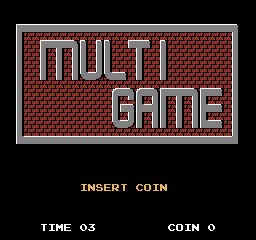
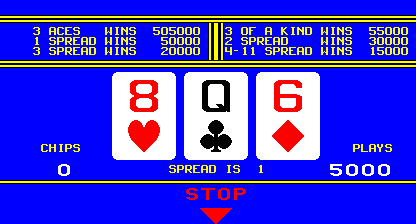
チケット ディスペンサーを備えたこのマルチ ゲーム キャビネットで、さまざまなギャンブルや引き換えアクティビティに参加できます。プレーヤーはトリビア ゲームやポーカーに参加します。DSW の「コインなし」モードなどの特定のハードウェア設定により、標準のコイン入力を専用の 6 番目のボタンに置き換えてゲームプレイ セッションを開始できます。
Player layout in our catalog: 2P alt.
If you are exploring by feel rather than by title, jump from the tags above into the matching genre rooms, or return to the Arcade hall for the full wall.
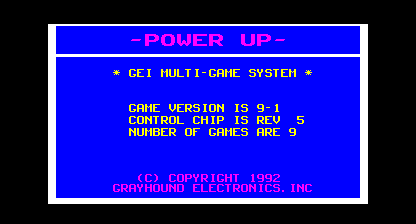
Open Play on this page to start GEI Multi Game. Keyboard, USB/Bluetooth pads, and the on-screen touch gamepad all work inside the emulator bar. Save states and fullscreen live on that same bar so you can pause mid-session and resume later.
GEI Multi Game is filed in our catalog as a 1992 release.
Player layout on this cabinet: 2P alt.
Genre tags on Classic Arcade Games: Gambling.
Credit line lists Grayhound Electronics as developer.
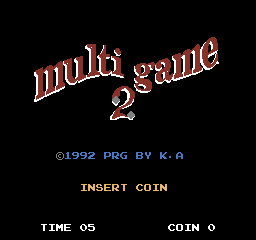
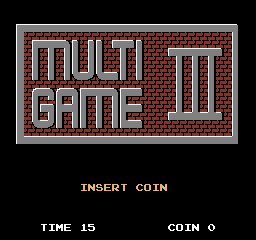
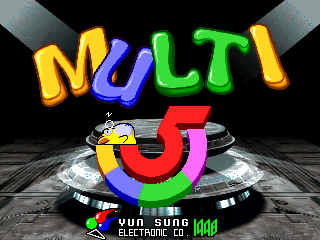
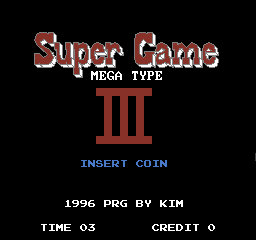
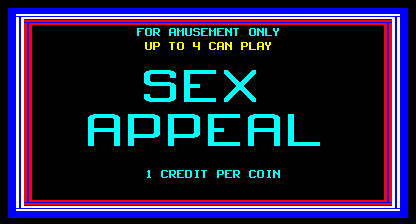
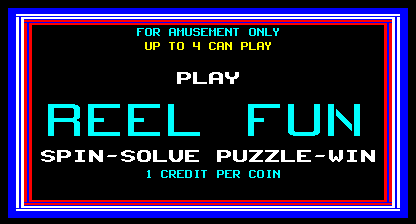
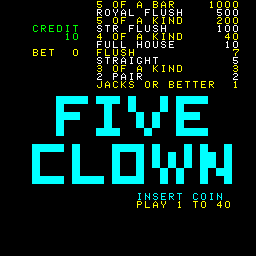
Nearby cabinets you may also open from this hall (each on its own play page):Multi Game (set 1), Multi Game 2, Multi Game (Tung Sheng Electronics), Multi Game III, Multi 5 / New Multi Game 5 (set 1), Super Game III, Sex Appeal (Version 6.02), Reel Fun (Version 7.03), Five Clown (English, set 1), American Poker II, Brasil 93, Buena Suerte '94
Multi Game (set 1) · Multi Game 2 · Multi Game (Tung Sheng Electronics) · Multi Game III · Multi 5 / New Multi Game 5 (set 1) · Super Game III
Five Clown (English, set 1) · American Poker II · Brasil 93 · Buena Suerte '94 · Buena Suerte (Spanish, set 1) · Poker Carnival · Double Cheese · Dream Ball (Japan V2.4) · Falcons Wild - Wild Card 1991 (TVG) · Good Luck II · Last Bank (v1.16) · Lotto Fun 2
Grayhound Electronics appears on this cabinet’s credit line. Browse more titles from the same studio on the developer shelf, or stay on this page and try the next cabinets in the same hall.
Yes. Classic Arcade Games hosts GEI Multi Game as a Arcade cabinet you can start on this page. The emulator loads in the browser; you do not need to install a separate app.
Arcade stick feel: Arrow keys for the joystick, X/Z (and nearby keys) for buttons, Enter=Start. USB / Bluetooth pads map cleanly; six-button fighters use the face-button cluster.
Yes — related series cabinets on this site include Multi Game (set 1), Multi Game 2, Multi Game (Tung Sheng Electronics), Multi Game III, Multi 5 / New Multi Game 5 (set 1), Super Game III. Each has its own play page with the same browser emulator path.
下の iframe コードをコピーして、このゲームをサイトに埋め込めます。
<iframe src="https://ja.classicarcade.games/games/arcade/geimulti?embed=1" width="800" height="600" allowfullscreen allow="gamepad; autoplay; fullscreen"></iframe>